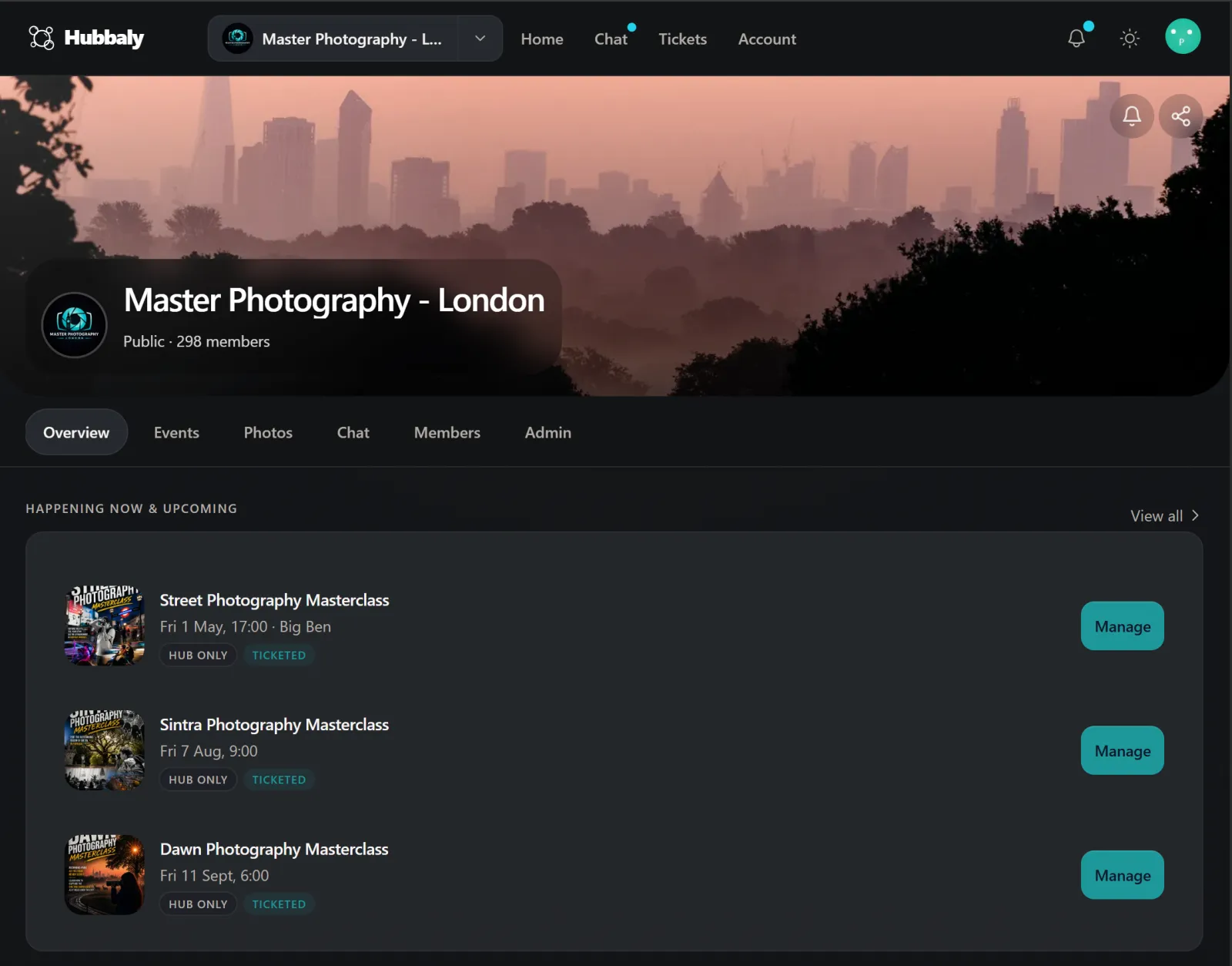
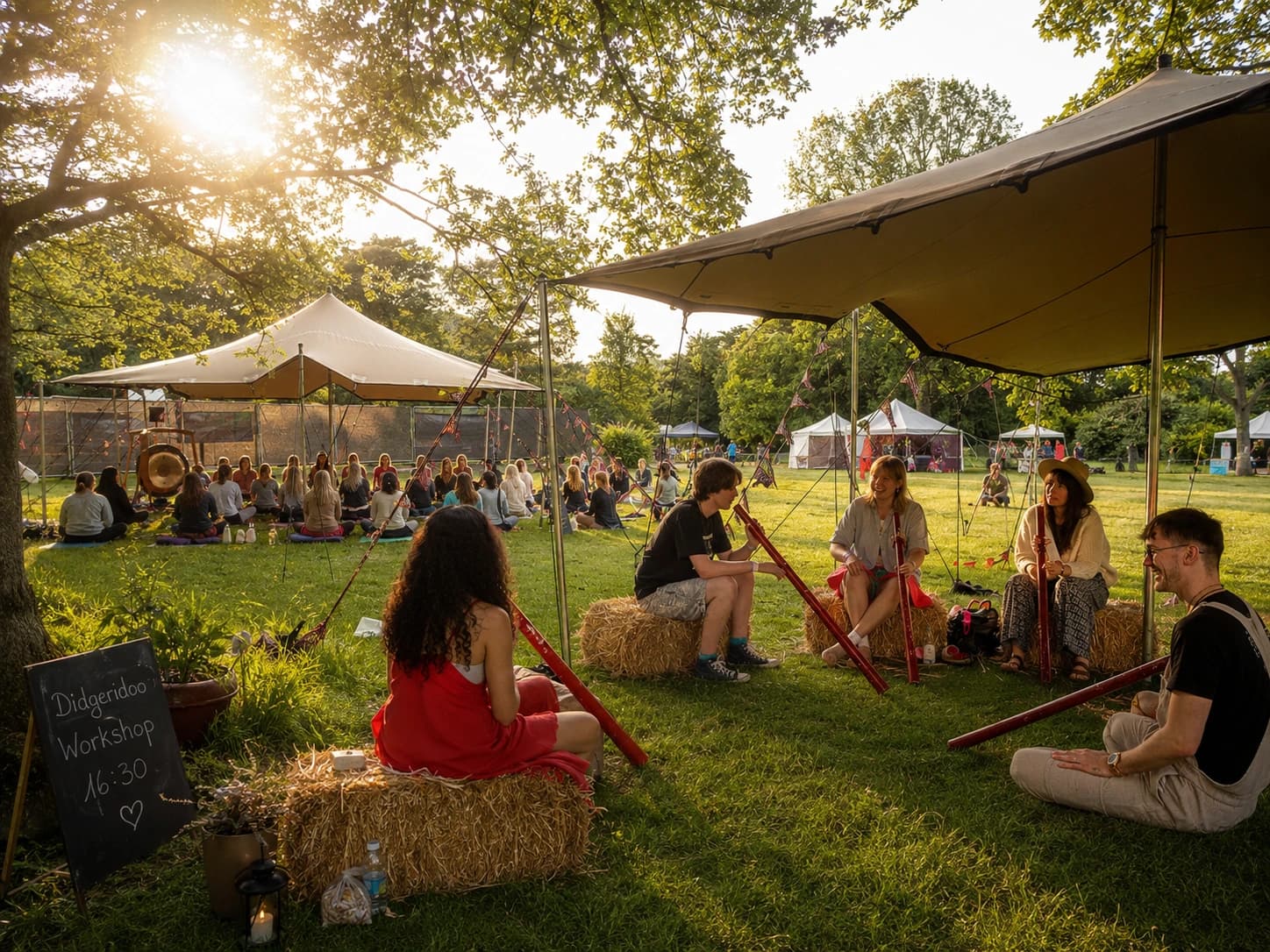

Community identity
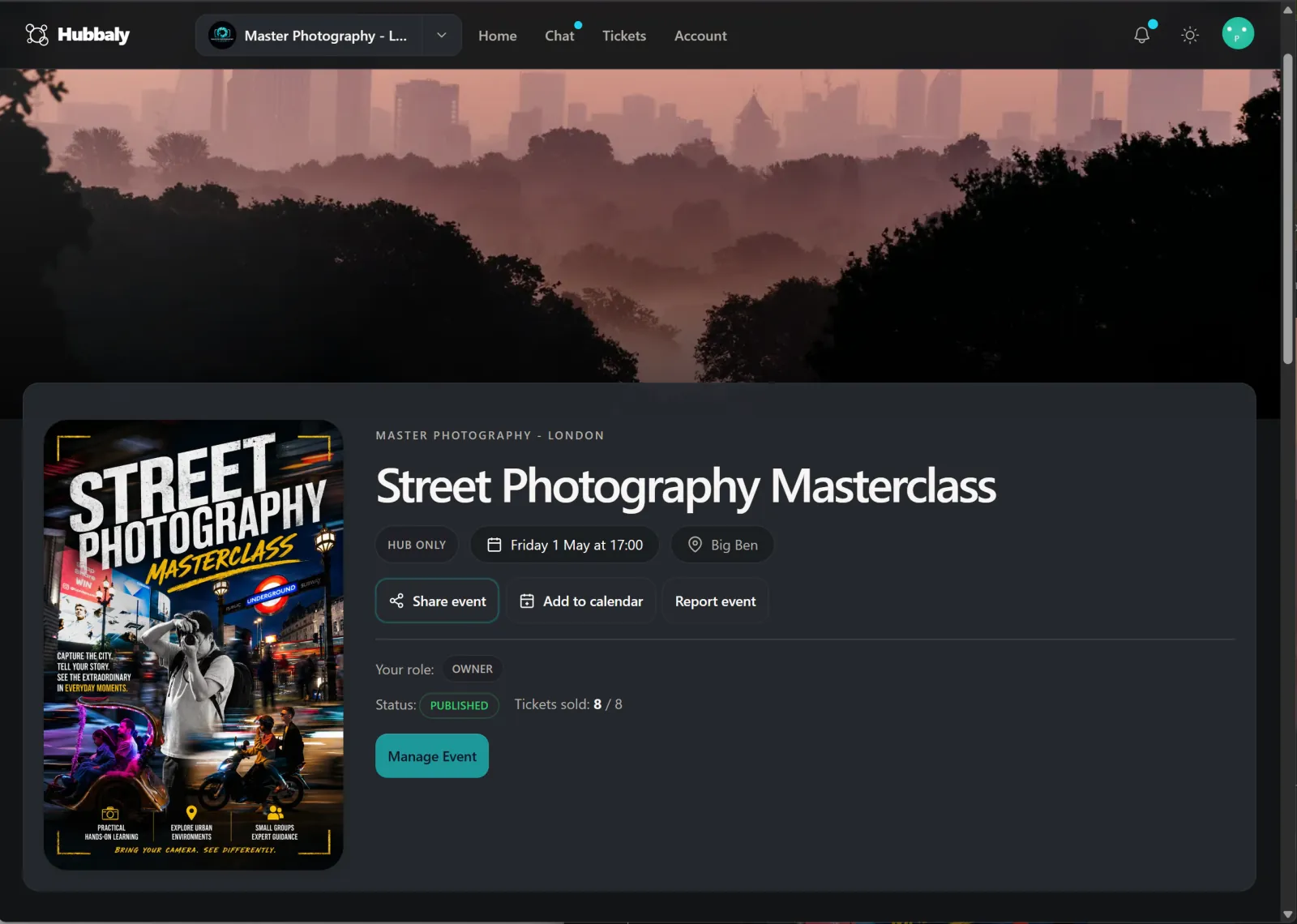
Branding carries from the hub into the event page, checkout, ticket, and post-event albums so members never feel pushed into a generic detour.
Features
What happens before the event, while the queue is moving, and after the final scan should live in one system. This page walks through Hubbaly that way.
Public event
Thursday Supper & Stories
North Star Supper Club
Tickets, the host brief, member notes, and what to expect all stay in the same place without switching visual language halfway through.
£18
Doors 18:30 · Dinner 19:15
What guests see
A clear story for the event, not just a sparse ticket checkout. Venue details, host notes, and aftercare stay visible before someone commits.
Included
Dinner ticket, door list, and post-event album all tied to the same event record.
Private when needed
Switch to members-only visibility without rebuilding the event in another tool.
Hosts + schedule
Organiser
Staff + event day
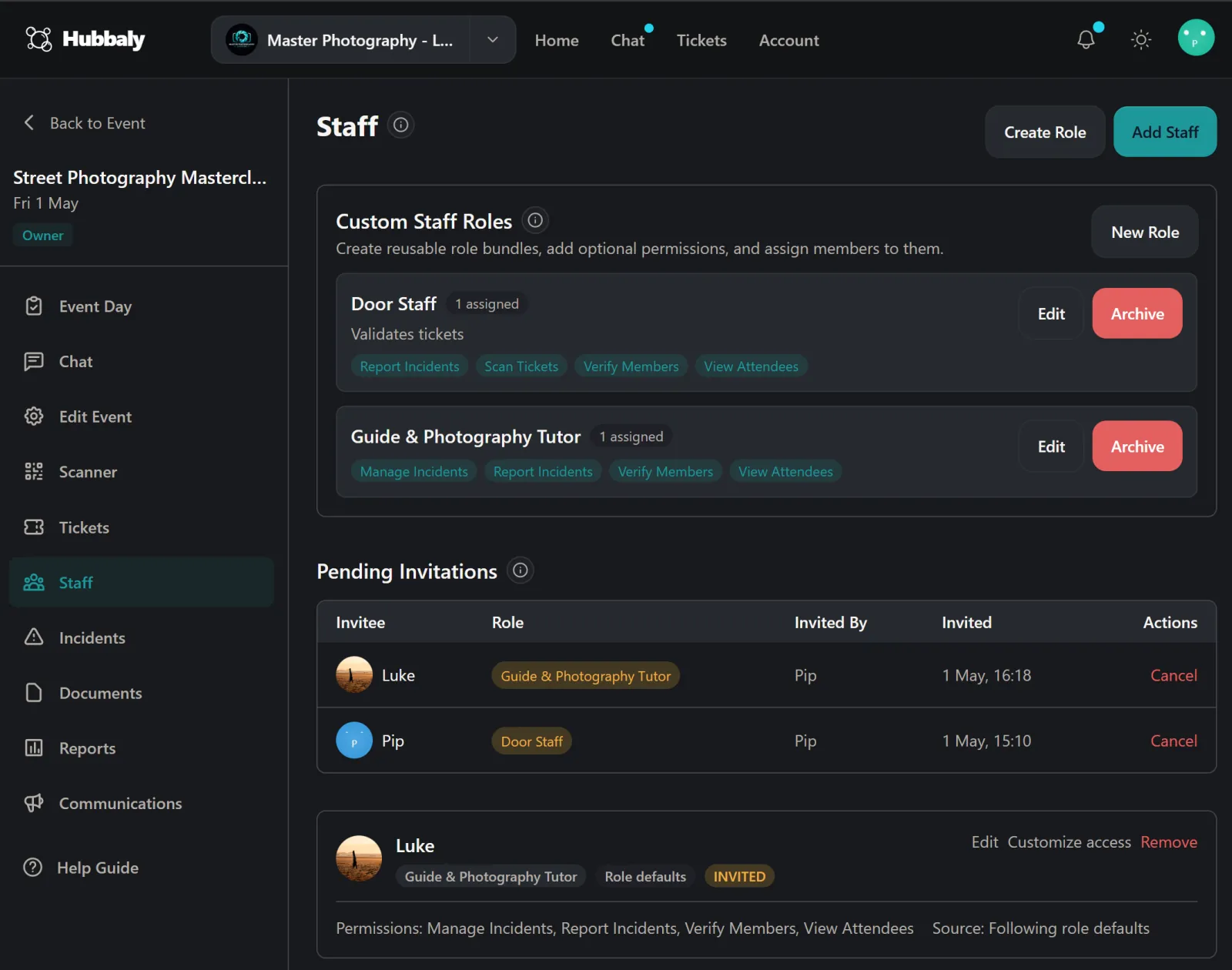
Staff roles
Front door
Scan tickets, handle arrivals
Host support
Seating, guest notes, aftercare
Live board
Check-in, incident notes, and staff duties stay in the same event workspace when doors open.
Shared context
Updates and attendee context are not trapped in chat threads or spreadsheets on the night.
Event-day status
Checked in
34
On-duty staff
5
Notes
2 flagged
North Star Supper Club
Member dinner ticket
Date
Thu 27 Feb
Doors
18:30
Tickets + Waitlists
Access, forms, queue handling, and launch comms stay together.
QR check-in + staff
Door tools and member context stay aligned when the event is live.
Albums + follow-up
The memory, updates, and next event still belong to the same hub.
Before the event
Run paid, free, public, or member-only ticketing from the same event record instead of stitching together forms, announcements, and access notes.
Community hub
North Star Supper Club
Community home
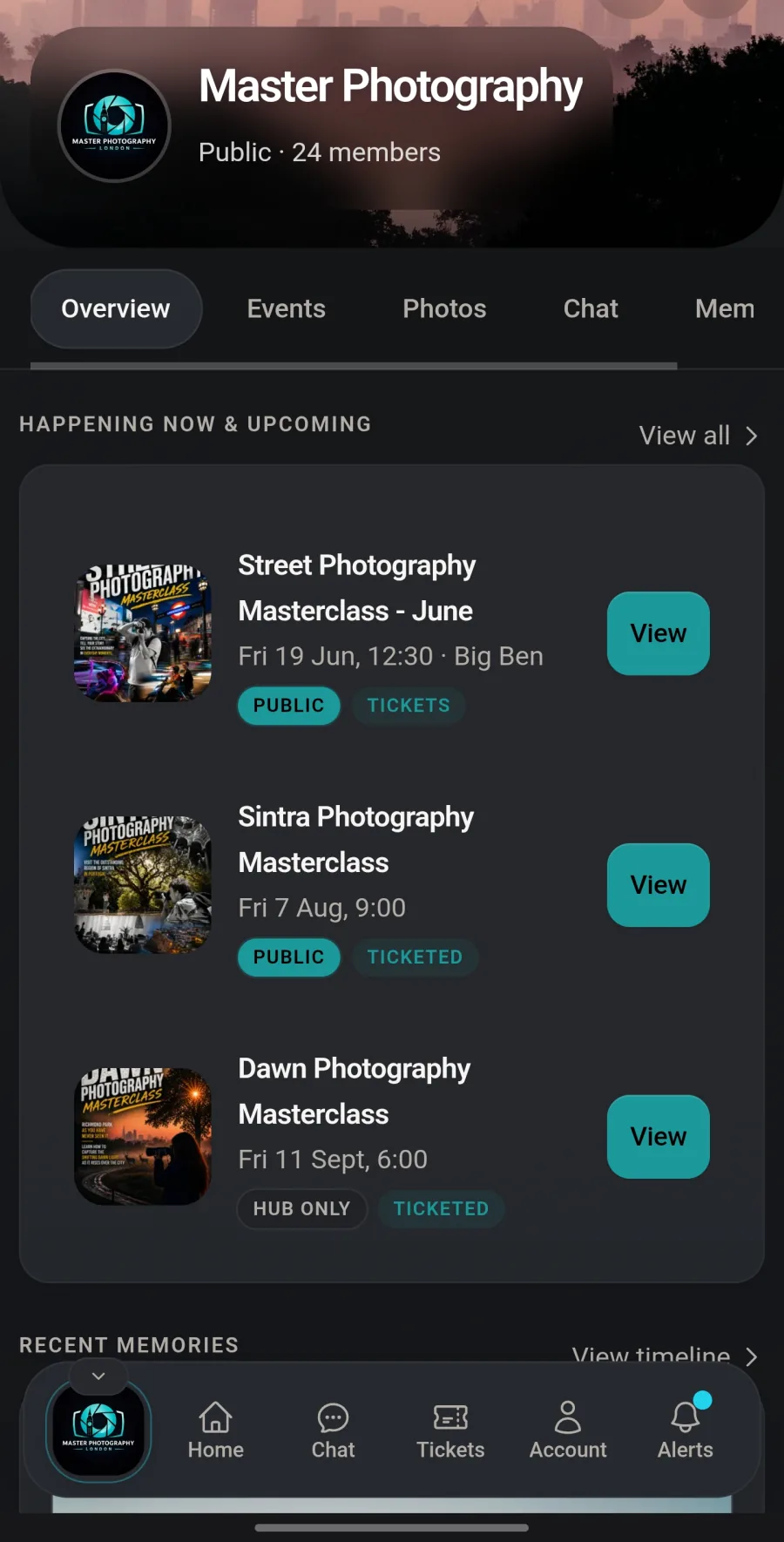
Upcoming dinners, the member journal, and the event album all live under the same identity instead of being split across ticket links and shared folders.
Next event
Thu 27 Feb
Members
148
Albums
24
Next dinner
What members see
Event notes, updates, and the follow-up album all stay attached to the same event page.
Why organisers care
Branding, attendance, and post-event memory do not have to be rebuilt in three other tools.
After the dinner
The event album and recap stay visible to the same community, with the same branding and access rules.
Journal
Public event
Thursday Supper & Stories
North Star Supper Club
Tickets, the host brief, member notes, and what to expect all stay in the same place without switching visual language halfway through.
£18
Doors 18:30 · Dinner 19:15
What guests see
A clear story for the event, not just a sparse ticket checkout. Venue details, host notes, and aftercare stay visible before someone commits.
Included
Dinner ticket, door list, and post-event album all tied to the same event record.
Private when needed
Switch to members-only visibility without rebuilding the event in another tool.
Hosts + schedule
During the event
Keep ticket status, staff access, and attendance inside the same operational surface instead of juggling door sheets, group chats, and last-minute exceptions.
Organiser
Staff + event day
Staff roles
Front door
Scan tickets, handle arrivals
Host support
Seating, guest notes, aftercare
Live board
Check-in, incident notes, and staff duties stay in the same event workspace when doors open.
Shared context
Updates and attendee context are not trapped in chat threads or spreadsheets on the night.
Event-day status
Checked in
34
On-duty staff
5
Notes
2 flagged
North Star Supper Club
Member dinner ticket
Date
Thu 27 Feb
Doors
18:30
After the event
The event should not disappear into a folder and a mailing export as soon as the last person leaves. Hubbaly keeps the record alive for the next cycle.
Community hub
North Star Supper Club
Community home
Upcoming dinners, the member journal, and the event album all live under the same identity instead of being split across ticket links and shared folders.
Next event
Thu 27 Feb
Members
148
Albums
24
Next dinner
What members see
Event notes, updates, and the follow-up album all stay attached to the same event page.
Why organisers care
Branding, attendance, and post-event memory do not have to be rebuilt in three other tools.
After the dinner
The event album and recap stay visible to the same community, with the same branding and access rules.
Journal
Organiser
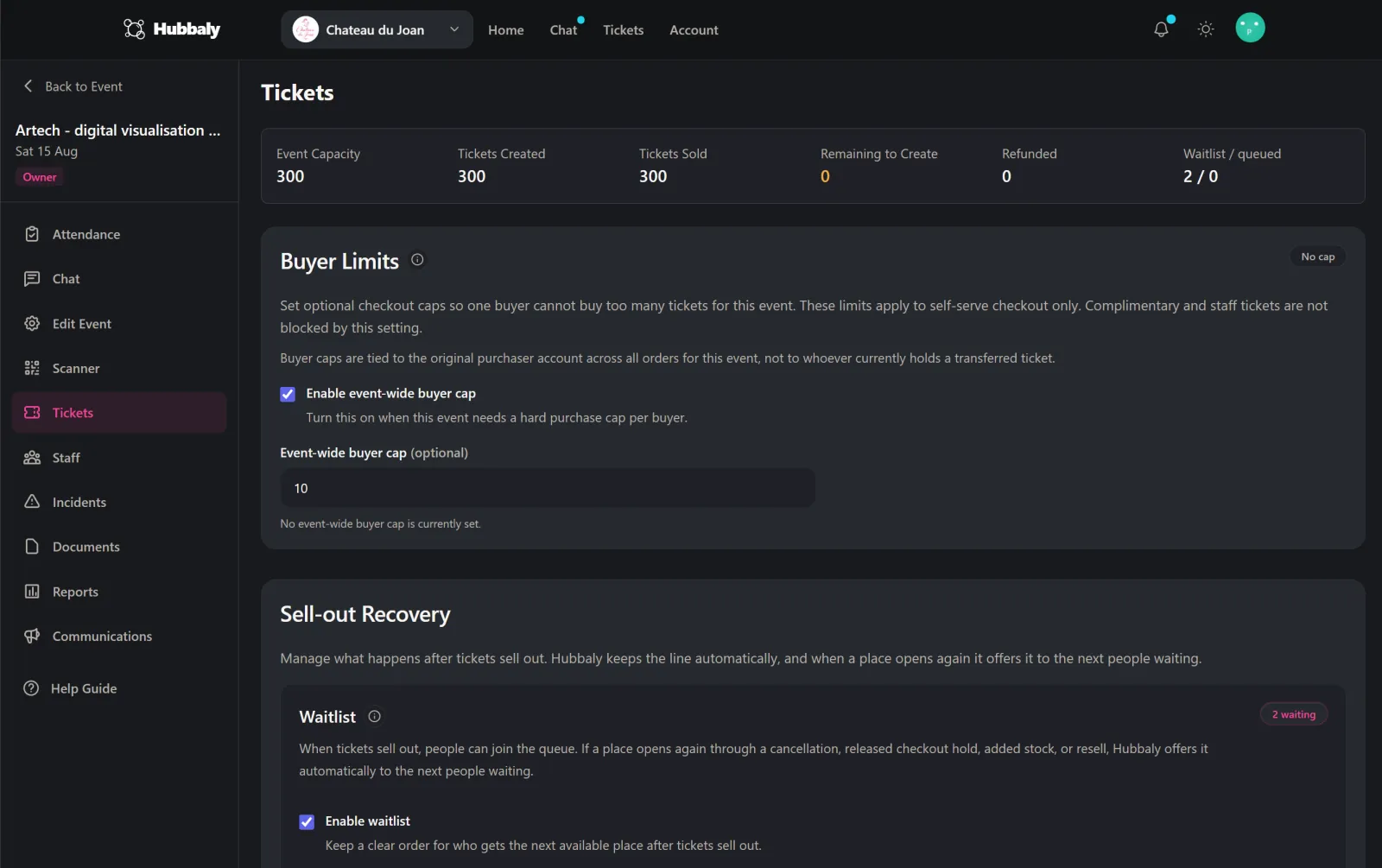
Ticket controls
Capacity
80
Paid sold
46
Waitlist
12
Member dinner
Public checkout, counts toward capacity
£18
46 / 50 sold
Audience rules
Public or members-only availability still lives beside the event, not in a separate ticketing backend.
Release controls
Manual release, waits, and sold-out follow-up stay visible to the same organiser team.
Across the lifecycle
Recurring communities need more than a clean checkout flow. They need consistent rules, clear staff access, and a way to keep talking to the people who actually came.
Branding carries from the hub into the event page, checkout, ticket, and post-event albums so members never feel pushed into a generic detour.
Visibility, hub access, staff permissions, sold-out flow, and album access can all follow the same community rules instead of breaking apart by tool.
Pro email campaigns give operators a clean follow-up channel inside Hubbaly instead of another export to reconcile after every event.
No waitlist. No card required. 5 events or 12 months free Pro to start.
Already have an account? Sign in