



Hosting together
Coming soon.
Handing an event over
Built a draft for another hub, or for someone new to Hubbaly? Hand it over before anything is sold, and it becomes theirs to publish.
When would you hand an event over?
- You built it for another hub
- A venue or a partner sets up the event, then gives it to the hub that will run it.
- For someone new to Hubbaly
- They take it over by email, and can make their hub in the same step.
- You still want to help
- On a public draft, you can keep your hub on as a co-host.
How do you offer a draft to another hub?
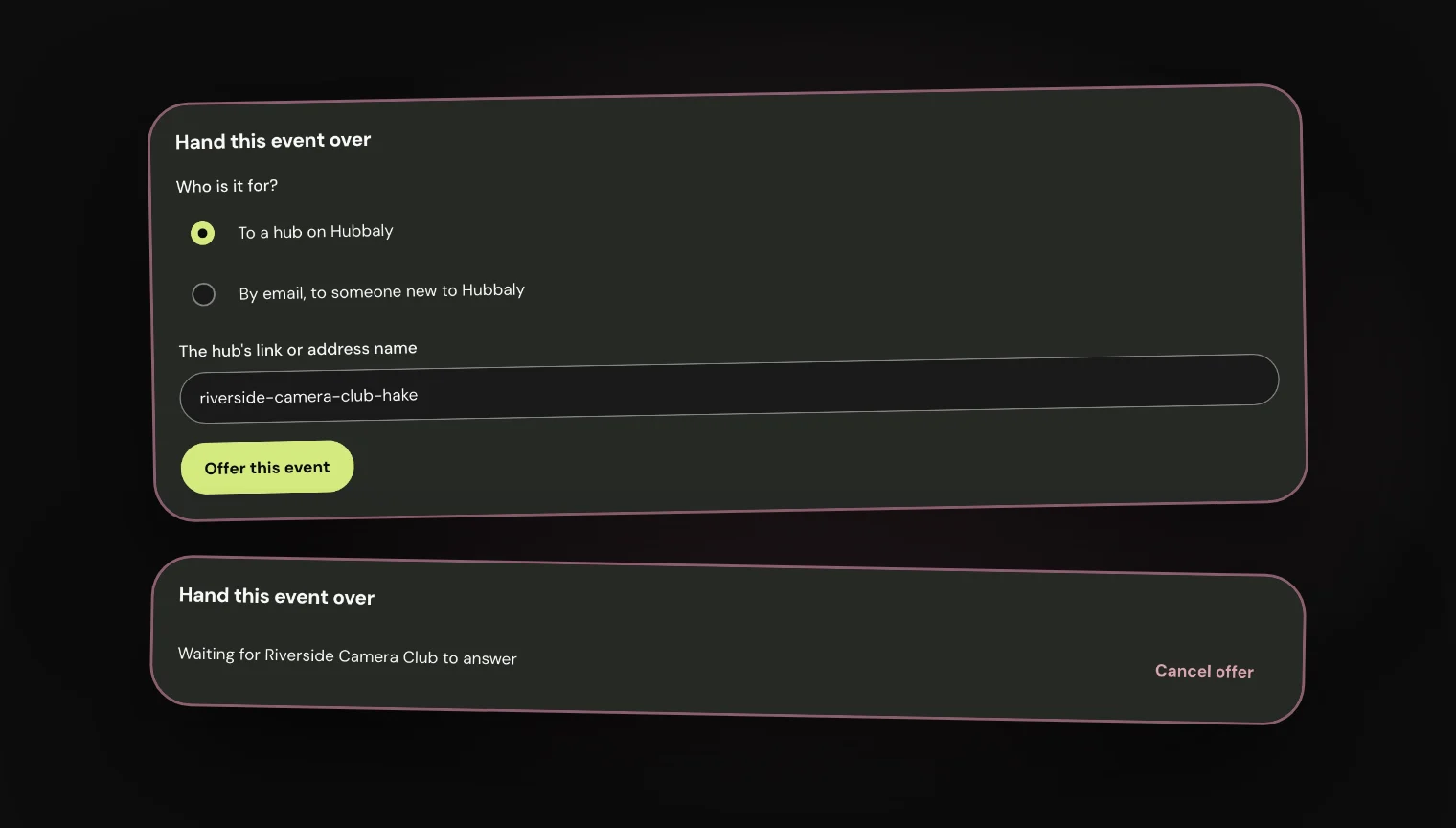
In Edit event, choose Hand over under Optional features. Choose To a hub on Hubbaly, paste the hub's link, then Offer this event.
Their owners and admins are emailed. The offer waits until they answer, and you can cancel it while it waits.
What does the other hub see?
The offer waits in their Hub admin, under Handovers, with Take it over and Decline.
Taking it over moves the draft to their hub, ready for them to publish, and you are emailed that it is theirs. Declining leaves it with your hub.

Can you hand it to someone new to Hubbaly?
Yes. Choose By email, to someone new to Hubbaly and type their address. The offer lasts 30 days.
They sign in or sign up with that address, then take it over into a hub they run or a new one they make. If the offer runs out, they can ask you to send it again.
What stops a handover?
A draft can move only before anything happens on it. If something is in the way, Hubbaly lists it under Before you can hand this over.
- Tickets ordered or offered, or people who signed up or saved it
- Staff, group prices or group access
- Chats, albums or messages
- Hosting together, a scheduled publish, reports or incidents
What moves with it?
The draft keeps its address and its setup, shop items included, and the person who takes it over becomes its creator.
Links that belonged to your hub, such as invite links and form templates, are taken off.
What it cannot do
- Only a draft can be handed over, and only by your hub's owners and admins.
- One offer can wait at a time. Cancel it to send another.
- An offer sent by email can only be taken with that address, once it is confirmed.
- You are not emailed when an offer is declined, cancelled or runs out.