


Event setup
Set up every aspect of your event from one hub
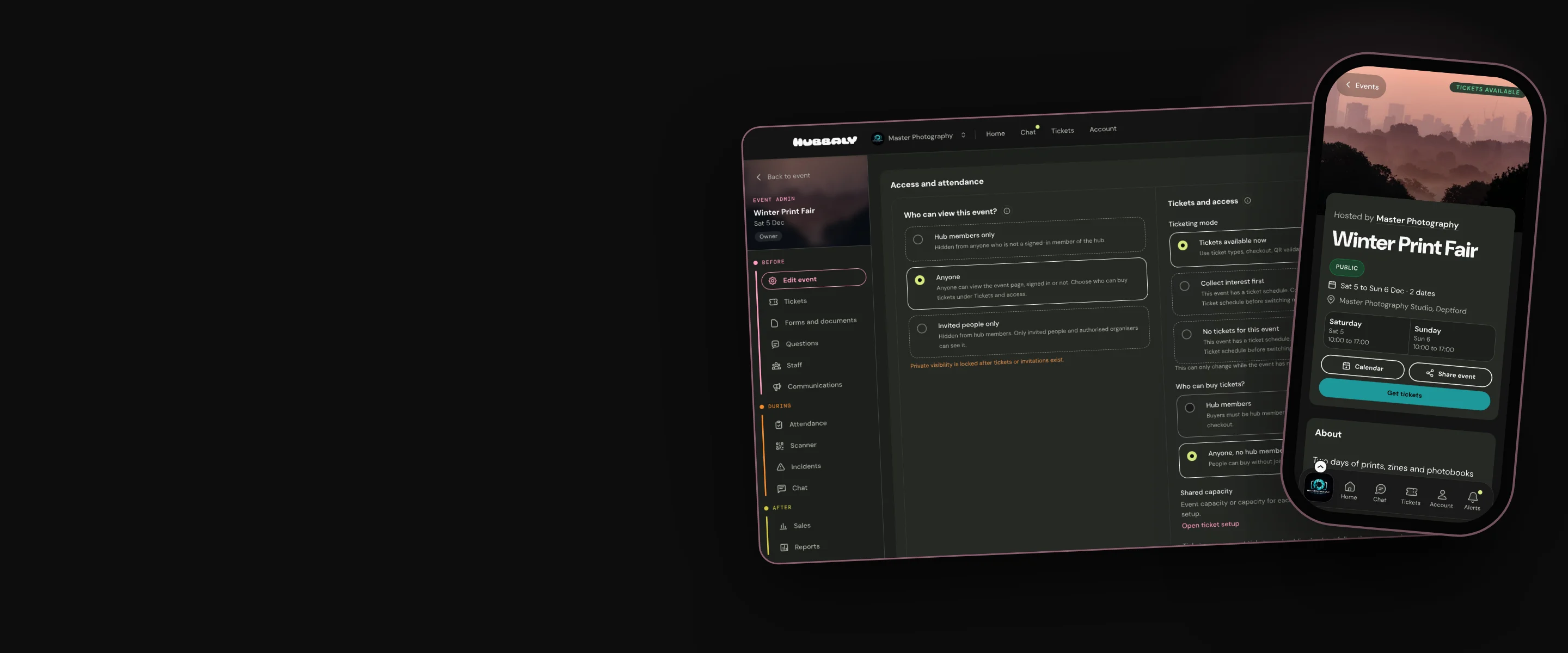
Our range of visibility options ensure the right people view your event and have access to tickets, chats and photos
Set up your event your way
Most ticketing apps don’t know your current community membership. Ensuring that the right people have access to your events and attendee perks, and your communications to staff and attendees reach them, requires a lot of time-consuming admin, using a range of tools.
Your community hub data is the foundation of every event you set up on Hubbaly. It is secure and current. Once your event parameters are set you can monitor and manage everything; from ticket sales, to event day ops, to post event feedback and reports. All from one integrated hub.
When you set up an event on Hubbaly you decide:
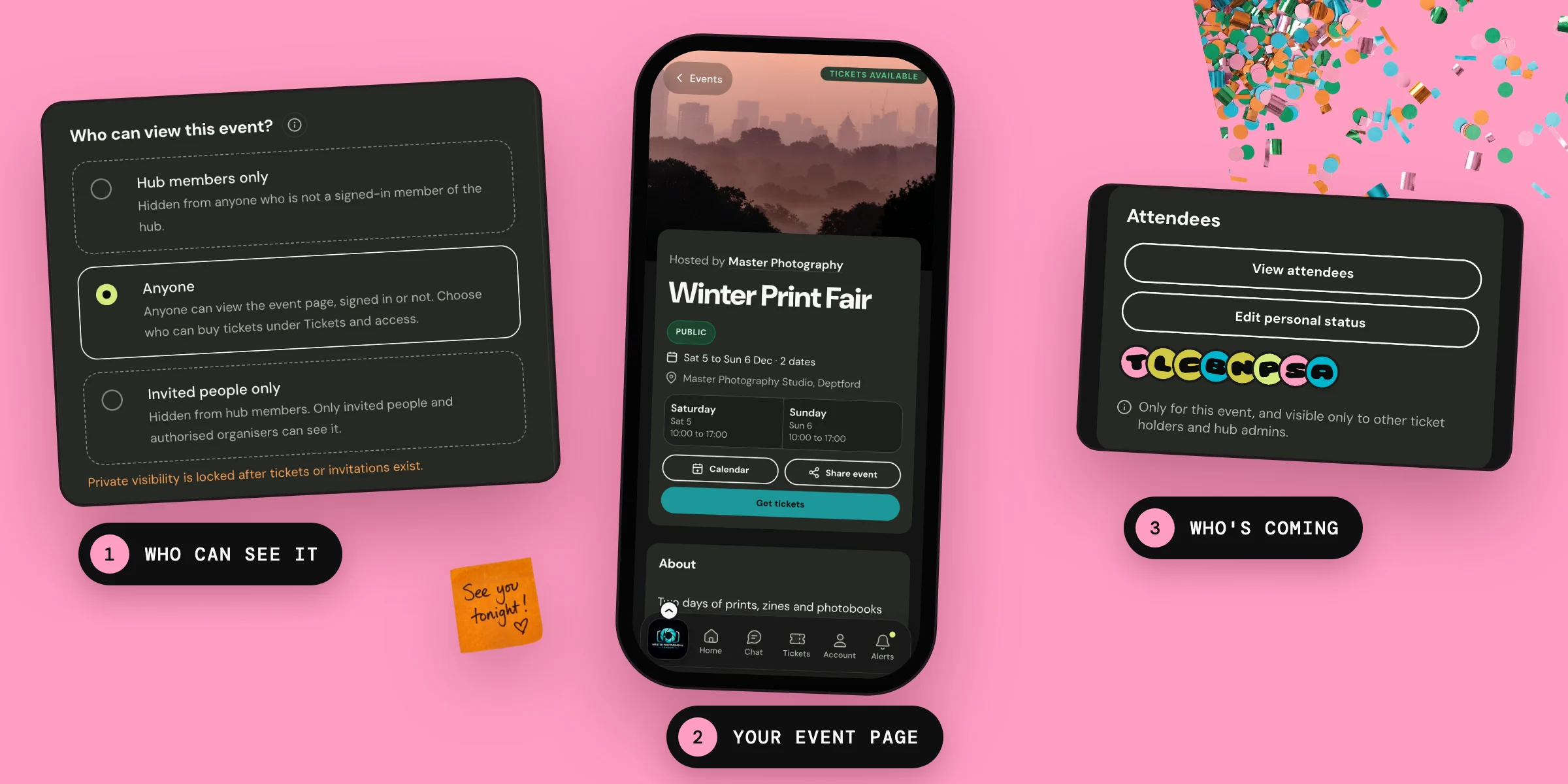
- Who can view your event details.
- Who is eligible to buy a ticket for themselves or others.
- The types of tickets you will be selling, and the time frame they will be available for purchase.
- Whether you will have one ticket sales phase or more.
- Whether to create chat channels to discuss your event with members, attendees, staff or selected groups.
- Whether to create photo albums of the event and who is allowed to view them.
- The staff roles you need to run your event.
- Whether you will be using our automatic waitlist and returns tools when your event sells out.
- Whether your attendees will be able to set a personal status for your event, visible to other ticket holders.

You can also:
- Set your event image.
- Create any forms, documents or waivers you need people to complete before they attend.
- Post updates.
- Create an event shop for your merch.
- Duplicate the parameters of one of your previous events for consistency and speed in the next.
Our promise
We provide you with choices to create your event your way, and a set of event tools that know the decisions you have made. Always secure. Always up to date with members lists and changes to event settings.
Questions
Can I make a private event in a public hub?
Yes. You can choose to invite only hub members, selected groups of members, or individuals on an invite-only basis.
Can I make a public event in a private hub?
Yes. You can choose to allow non-members to view your event details, buy tickets, participate in chats and view the photo album without them ever seeing any of the private events and channels on your hub.
Can we hide the venue for an event?
Yes. You can choose to hide the venue details from everyone until they have bought a ticket. You can offer a general location, with no address or map, on your event page if you wish.
Will people be able to see a list of everyone who has bought a ticket to an event?
You decide. You can choose to include or hide an attendee list from your event page. It is never shown to the public.
Who sees personal statuses of attendees and what happens to these after the event?
Personal statuses are only viewable to ticket holders. They can include a photo, what you are looking for at the event and any other information attendees wish to share. Personal statuses are visible on the event page from when they are posted until 7 days after the event. Then they are automatically deleted.