




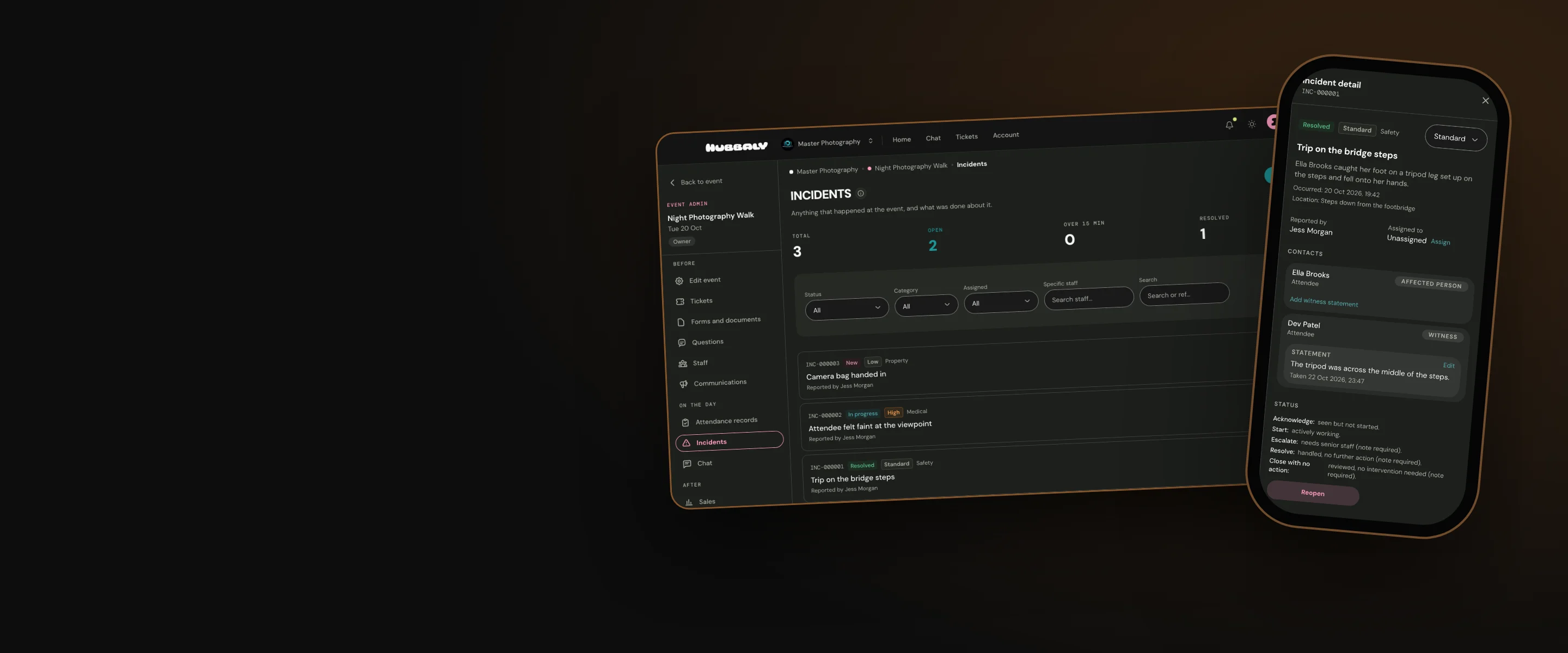
Incidents
Report, manage and record incidents at events.
- Owners & admins
- Managers
- Staff
Every incident, on the record
Using staff roles, give selected members of your team the authority to report and manage incidents at your events and have every detail and decision securely saved for review.
Why organisers use it
Clear protocols
At events where there are no clear protocols to record and manage incidents, or reliable tools available to keep a record of the details, minor incidents can turn into major headaches and serious incidents can put staff and attendees at risk.
You decide who handles it
You set the permission levels for each staff role in your team. You decide who will be responsible for reporting, managing and reviewing incidents that take place at events.
All of it, in one place
We have included all aspects of incident management in the suite of tools available to you and your staff.
What a report records
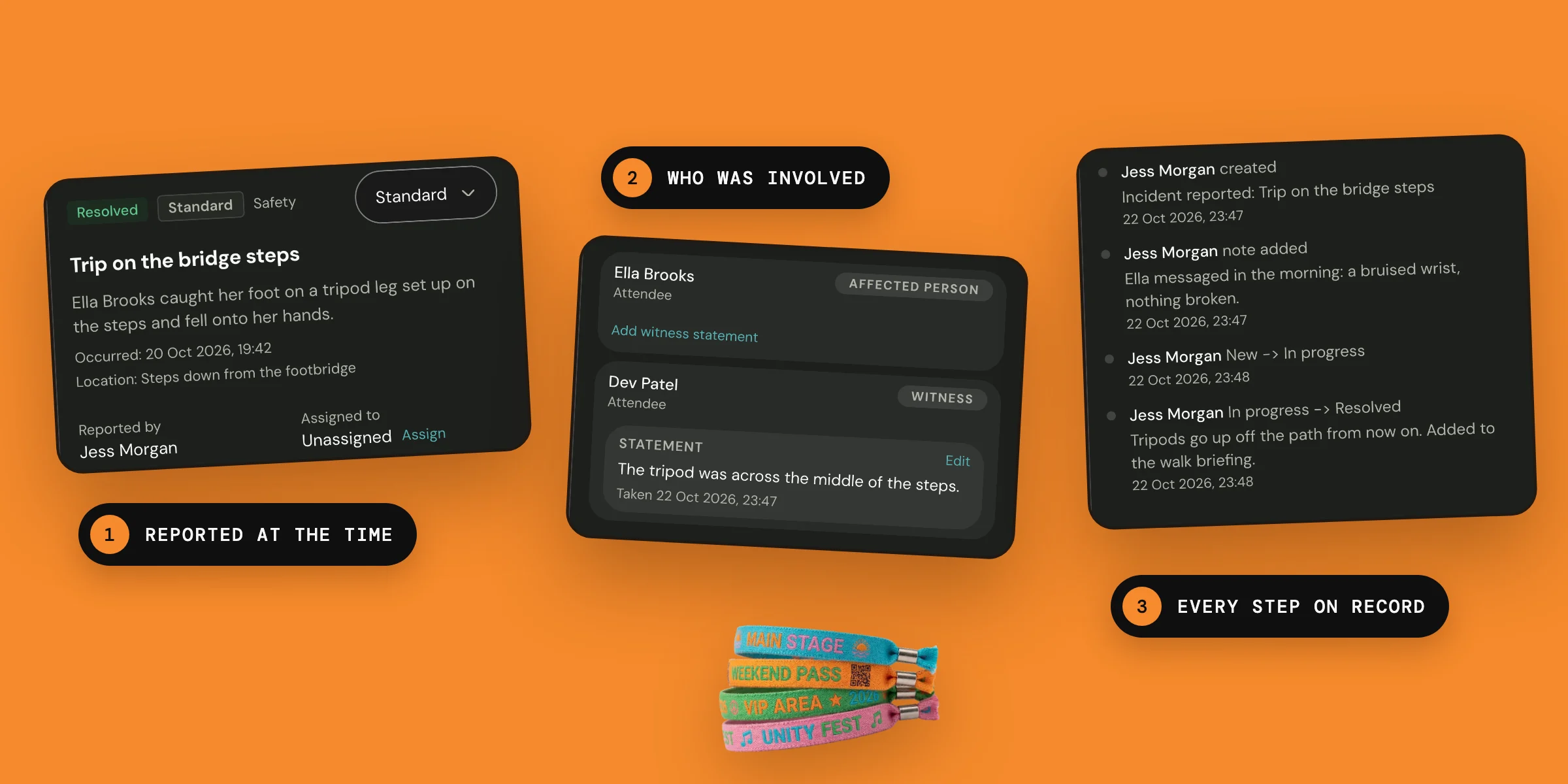
Report it at the time
Incident reporting records a title, category, severity of incident, people involved and those who were responsible for managing it. You can record any details of the incident, the actions taken at the time, and an emergency services reference if they were called.

Every step on record
An incident cannot be deleted. Notes can only be added, and every change to its title, description, location, status or severity is logged with who made it and when.

Our promise
We provide you with the ability to delegate incident management authority to chosen members of your team. You can do so with the confidence that incidents can be comprehensively recorded and stored securely on Hubbaly.
One limit: Incident reporting and management can only be recorded when you have an internet connection, so make sure you are somewhere with signal.
Questions organisers ask
When an incident is closed after review who gets notified of the outcomes?
Nobody is notified automatically. When you resolve or close an incident you give a reason, and it is kept in the incident’s log with who closed it and when.
Can a report or note be changed?
Notes cannot be changed: you add new ones as information becomes available. A report’s details can be updated, and each change to its title, description, location, status or severity is logged with who made it and when. Nothing can be deleted.