



Hosting together
Run one event with another hub
Coming soon.
- Owners & admins
- Managers
- Members
One event, two hubs behind it.
Run one public event with another hub. Members of both hubs can buy its members tickets, each hub brings its own team, and the money stays with the hub that made it.
Why organisers use it
Both communities, one event
Members of both hubs can buy the event's members tickets, without joining the other hub.
Shared work, clear money
The other hub gets the event roles you choose. All ticket money goes to your payment account.
Each hub brings its own team
Either hub can add its own people as event staff, door included, and everyone sees who added whom.
How hosting together works
Invite another hub
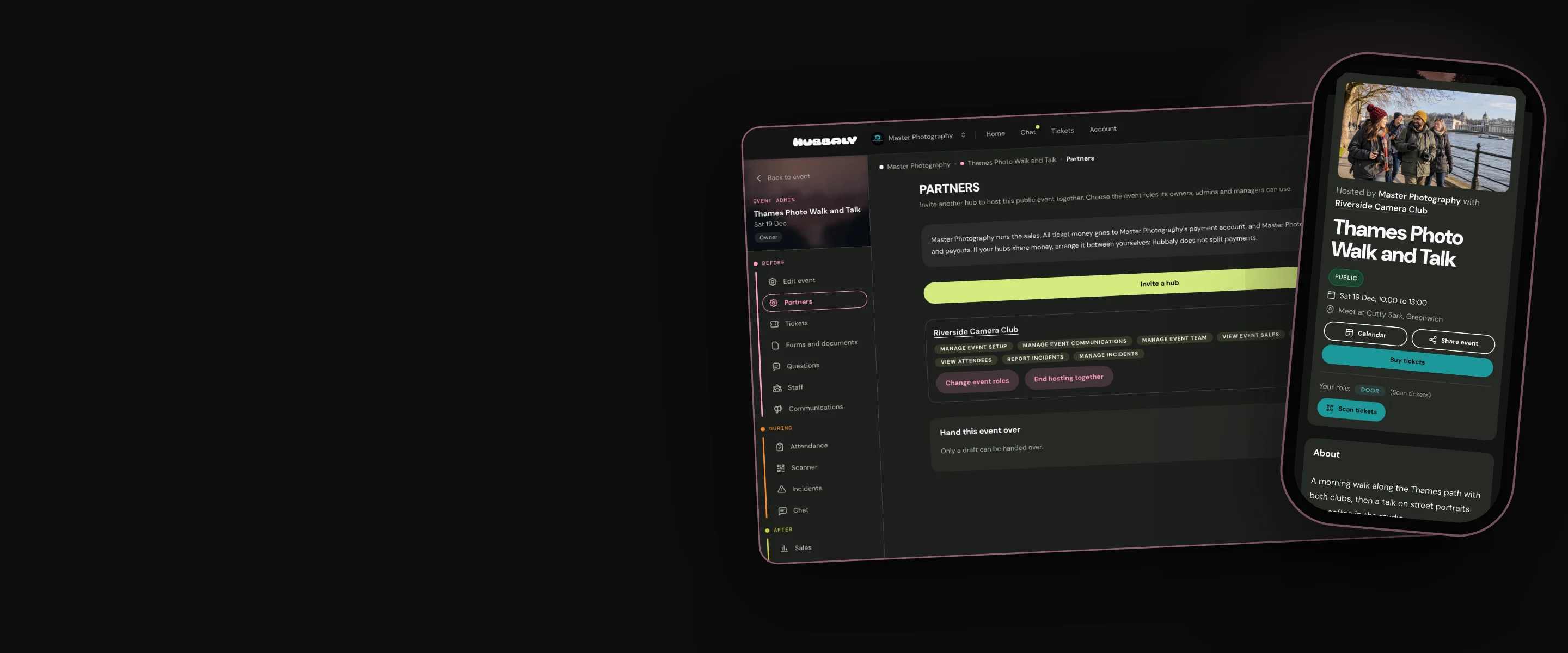
In Edit event, find Partners under Optional features and choose Invite a hub. Paste the other hub's link, and Hubbaly shows you the hub, so you know it is the right one.
Choose the event roles its owners, admins and managers can use. Roles that touch your money say so.

They see what accepting means
The other hub's owners and admins are emailed, and find the invitation in Hub admin, under Hosting invitations.
Before they accept, Hubbaly spells out the money, their members, updates, the door and what happens if it ends.

One event, on both hubs
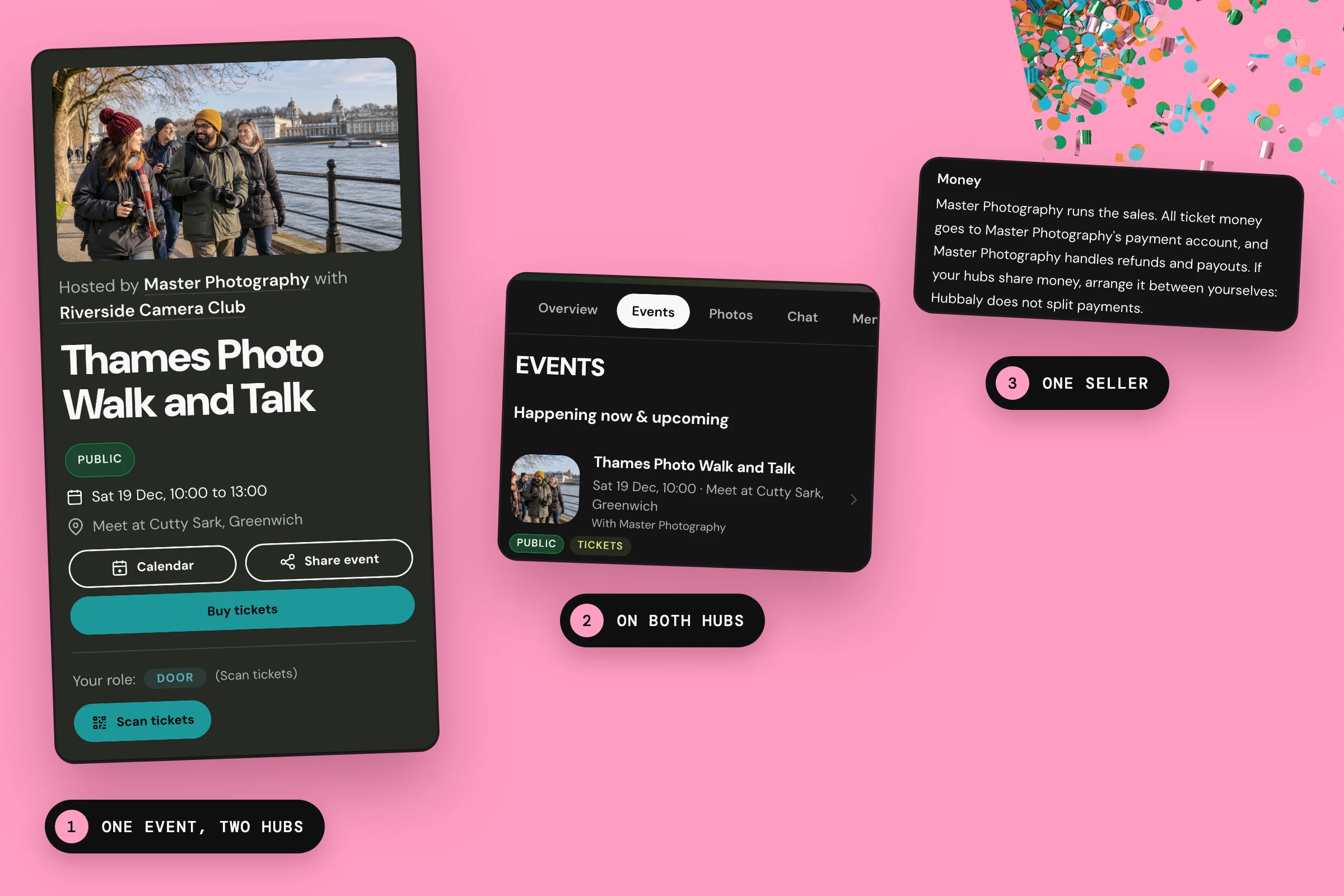
The event page says it is hosted by your hub with theirs, and the event is listed on both hubs.
Members of either hub can buy its members tickets. An update can go to either hub's members, or both.

Each hub brings its own team
Either hub can add its own members as event staff, door staff included, or invite anyone by email.
Both hubs see everyone on Staff, with the other hub's people marked, and each changes only its own.

Our promise
The event, its tickets and its money stay with the hub that made it. The other hub gets the roles you choose, and either hub can end it at any time without cancelling a ticket.
One limit: Hosting together is for public events, and the event stays public while it runs.
Questions organisers ask
Who gets the money?
The hub that made the event. All ticket money goes to its payment account, and it handles refunds and payouts. If your hubs share money, arrange it between yourselves: Hubbaly does not split payments.
Do our members have to join the other hub?
No. Members of either hub can buy the event's members tickets without joining the other. Group prices stay with the hub that set them.
Can the other hub work the door?
Yes. With Manage event team, it can add its own people as door staff, to scan tickets and hand out Event shop orders. Checking members and required ticket documents stays with your hub.
What happens if we stop?
Either hub can end hosting together at any time. The event leaves the other hub's events, its roles and the people it added stop, and its members can no longer buy members tickets. Anyone who already has a ticket keeps it.