
Hub setup
Make a real hub for your community
Set your permissions and your branding to make your hub your community’s home
Why one hub matters
Many event organisers have to scatter their information across a number of different sales and communication tools which makes it difficult to connect with their community. And the tools that are available aren’t often adaptable to the nuances of each community’s structure.
When you set up your community with us you choose:
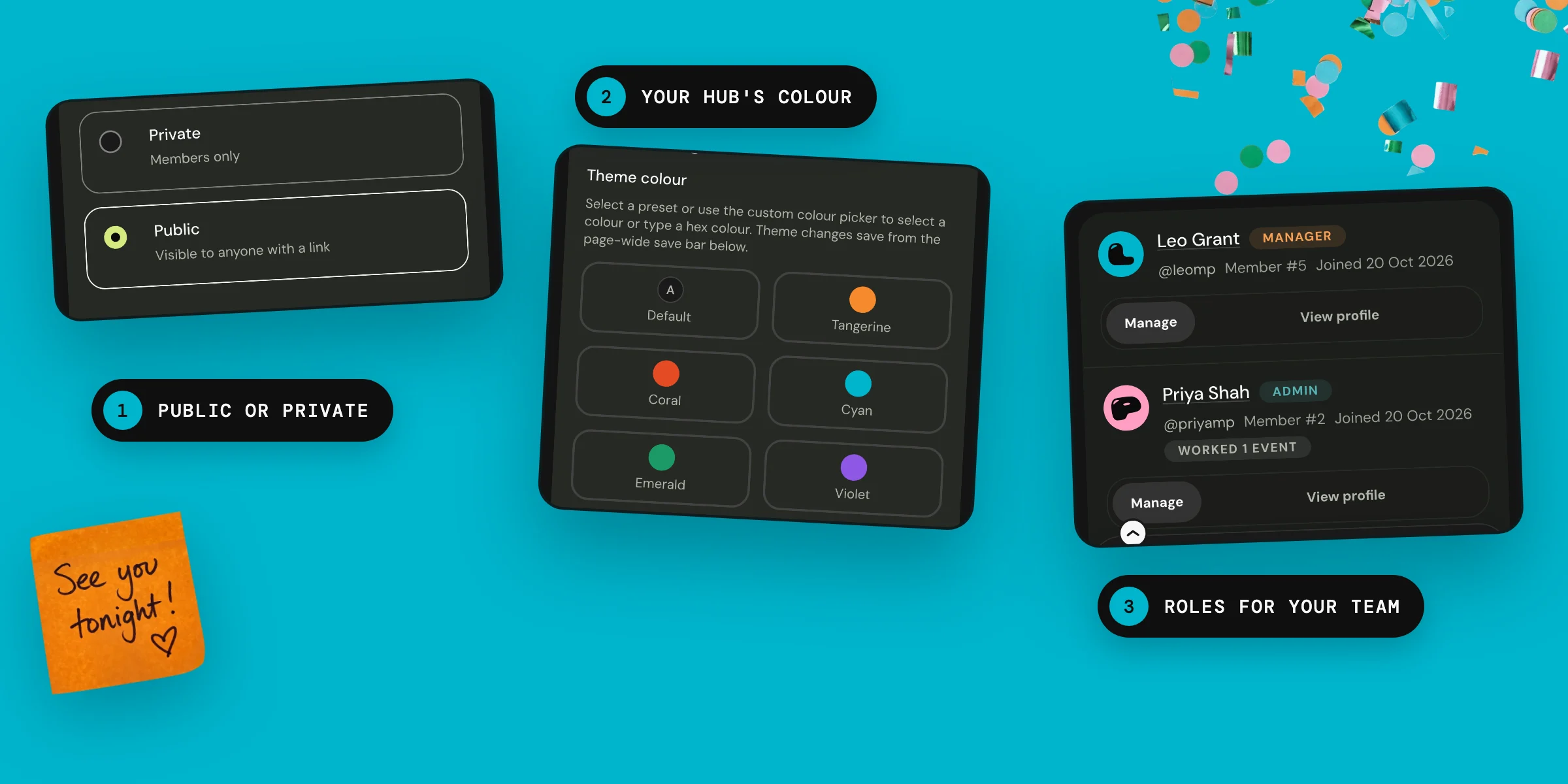
- Whether you want your hub to be private or publicly viewable.
- Who can view and access each area of your hub; each event, chat, and photo album has its own permissions.
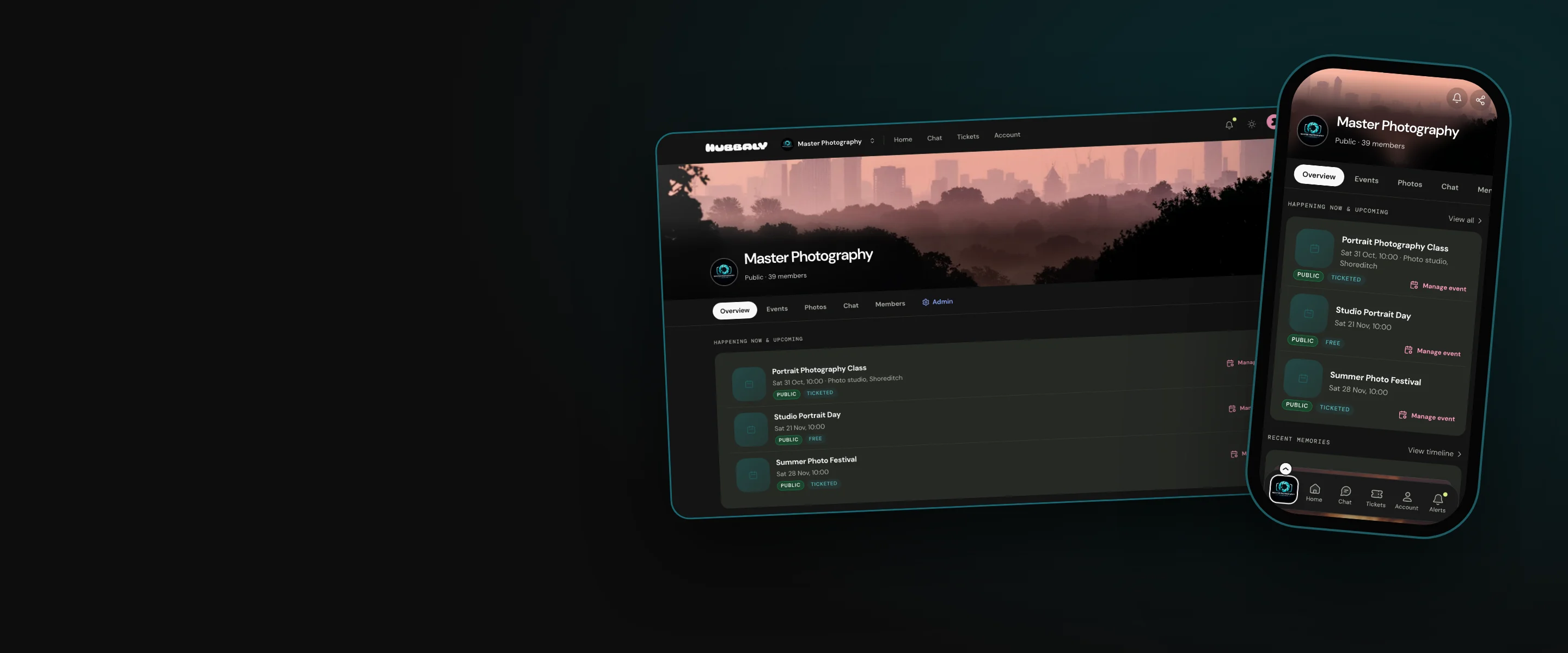
- Your branding: you set your logo, banners, description, links, rules and hub colour.
- Whether new community members will be able to freely join, apply for membership, or have to receive an invitation to join.
- The access permissions of every member of your hub. If you have a team of people working with you to communicate with your community or run your events our hub roles will give them the authority they need.

When you run your events and community from one hub you have all the tools you need in one place, and they all refer to the same community data and hub rules that you have decided.
Limits
We don’t currently offer event discovery. When your members visit their Hubbaly account they will only see the hubs they have joined. They will not be advertised other events or communities.
Our promise
We provide you with a safe and secure home for you to engage with your community and your members to connect. Our suite of ticketing and communication tools, member and staff permissions, and photo albums enable you to run your community and events from one hub.
Questions
If I don’t have all my hub details when I set it up can I add them later?
Yes. You can add to or edit your settings from your hub admin at any time.
I set up my hub as a private community but we would like to run a public event. Do I need to set up a second hub for my public events?
No. Private hubs can run public events and you can sell tickets to non-members.
My hub is set to public so anyone can sign up to my workshops but I want the attendees of each workshop to feel confident to ask questions and share experiences in the hub. What do you suggest?
When you create the chat and photo album for each workshop make them only visible to ticket holders. Let people know in the chat and your event updates that the workshop channels are private.
I want to change my public hub to a private one that people have to request to join. Will my current members have to rejoin?
No. Your current members will remain members. New members will have to follow your chosen join request process.