




Member import
Safety, privacy and data lifecycle
Who can see an import, what stays private, and what happens to it afterwards, in plain words.
Who can see an import?
- Hub owners and admins
- Run imports, see every row and its email, and send invitations.
- Managers, members and visitors
- Can't reach imported lists, files, results or invitation controls.
- The person invited
- Sees their own invitation, only when signed in with the exact verified email.
Who can see the details I import?
Member details are shown to the person when they join, and are theirs to change. Each detail says who in the hub can see it, such as hub owners and admins.
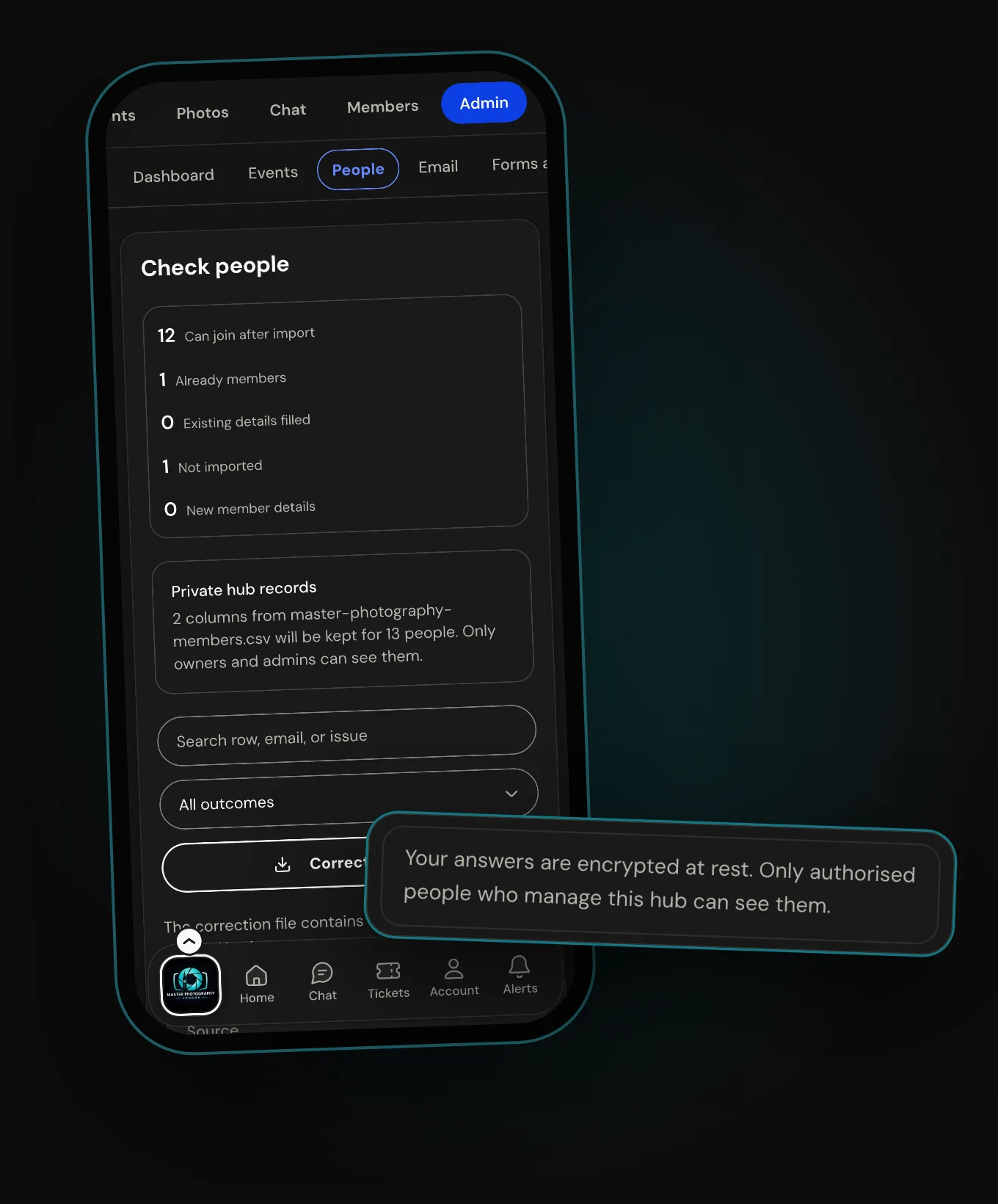
Hub records belong to your hub. Only Owners and Admins can see them, and the person can't change them. They're encrypted, and stay until an Owner or Admin deletes them, even if the person never joins.
The person can ask you for a copy of what you hold, or to correct or delete it. You can export or delete it from their person page.
What am I agreeing to?
Before an import starts, you confirm you have authority to give Hubbaly this member and contact information. The list stays yours, and Hubbaly uses it to match each person and send what you asked.
What happens to the file I upload?
Checking a file saves nothing. When you start the import, Hubbaly reads the file again and makes sure it matches what you checked.
It's encrypted, kept privately while it's processed, then deleted. It can never be opened as an ordinary upload, even by someone signed in.
What happens to details when an invitation ends?
When an invitation is declined, revoked, expires or closes, Hubbaly removes the member details it imported for that person, if nobody has changed them since.
Hub records stay until an Owner or Admin deletes them. Nobody who joined is removed, and no other records are rewritten.
What if something goes wrong?
If you aren't allowed to know a row exists, Hubbaly doesn't confirm it. If an email might already have gone, it isn't sent again. If a file's deletion can't be confirmed, Hubbaly keeps trying.
What it cannot do
- It can't show imported emails to Managers or members.
- It doesn't keep your uploaded file after processing.
- It can't let the person change a hub record. Only Owners and Admins can.